01 / The problem
You wanted to play guitar.You opened a DAW.
New project. Add an audio track. Arm it. Find the plugin. Drop the buffer. Mute the channel so you are not hearing yourself twice. Somewhere in there, the reason you picked up the guitar quietly left the room.
02 / The chain
It is already a rig
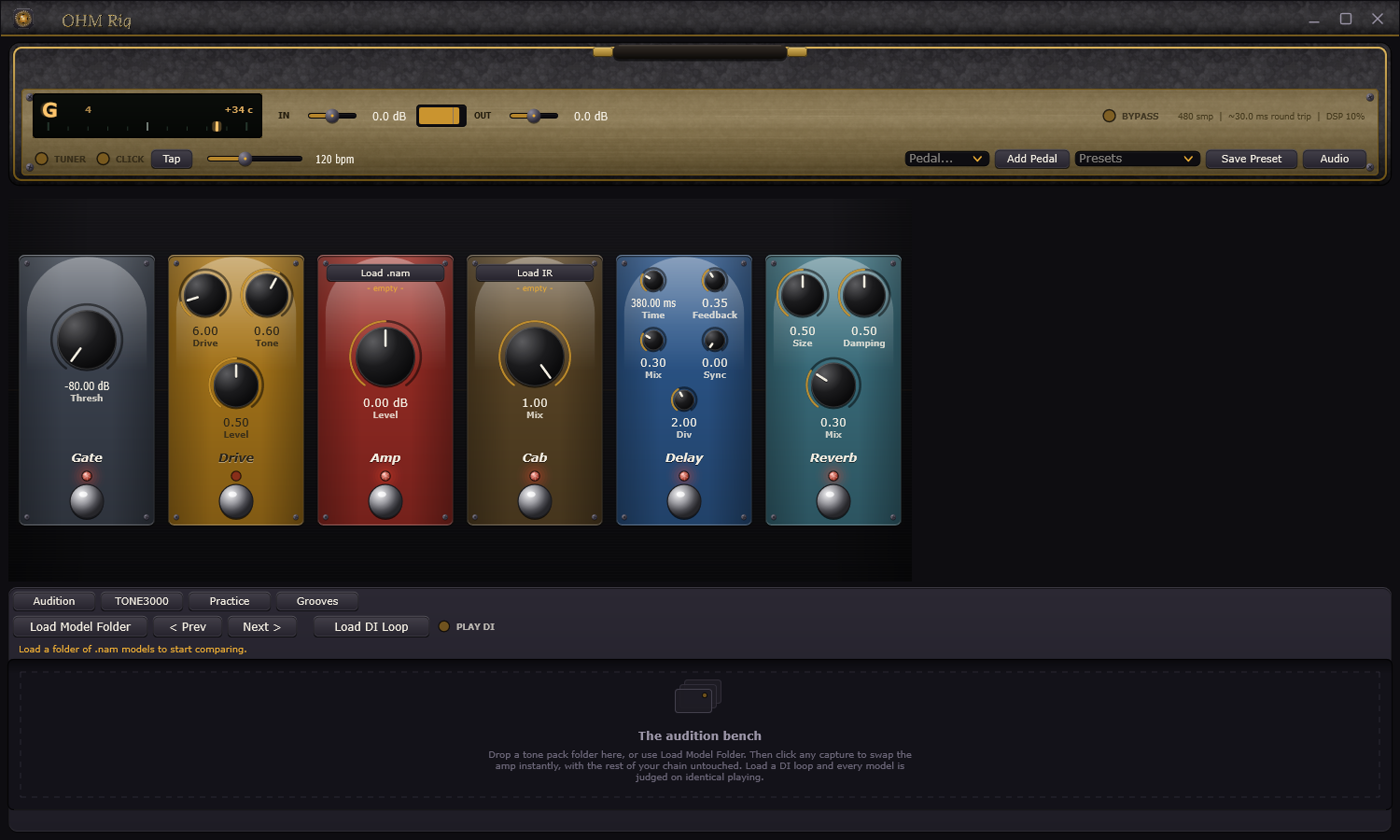
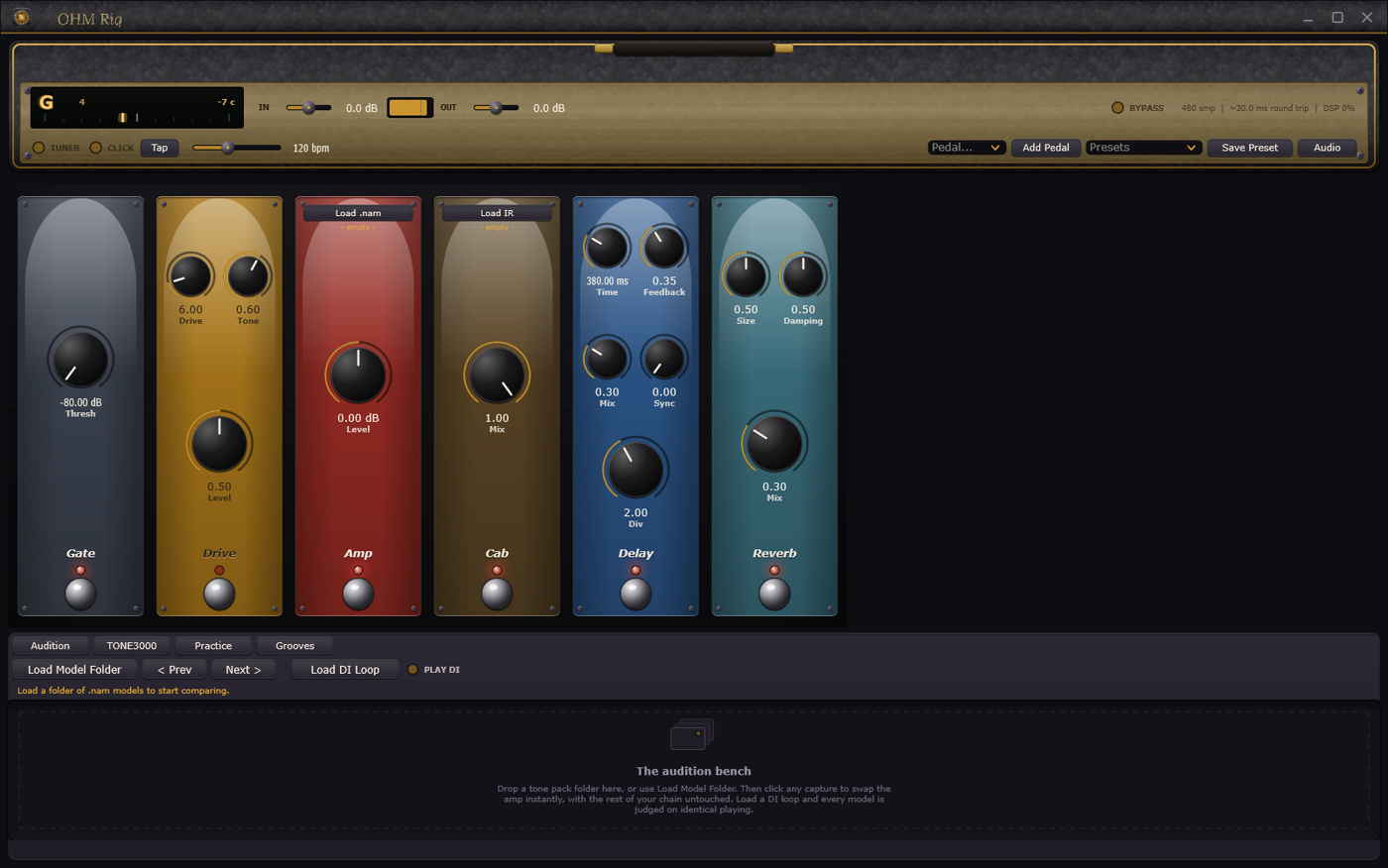
Gate, drive, amp, cab, delay, reverb, wired in series and ready. Drag a block along the chain to reorder it. Every pedal has its own footswitch, its own lamp, and knobs you turn right on the stage. Add what you want, remove what you do not.
One of each, in series, the way you would wire a real board. When you want amps side by side, the Amp Rack stacks on the head and blends up to three captures in parallel.
03 / The captures
Real amps, captured
Neural Amp Modeler captures are the closest thing to a real amp that runs on a laptop. Raw and open, without the fizz that gives older amp sims away. Load a capture on the Amp, a cab impulse on the Cab, and play.
Browse TONE3000 from inside the app, search, and download straight onto the Amp. Thousands of captures, free, from classic heads to boutique one-offs.
A1 and A2 captures both work.


The amp lives in the app
04 / The audition bench
Stop loading captures one at a time
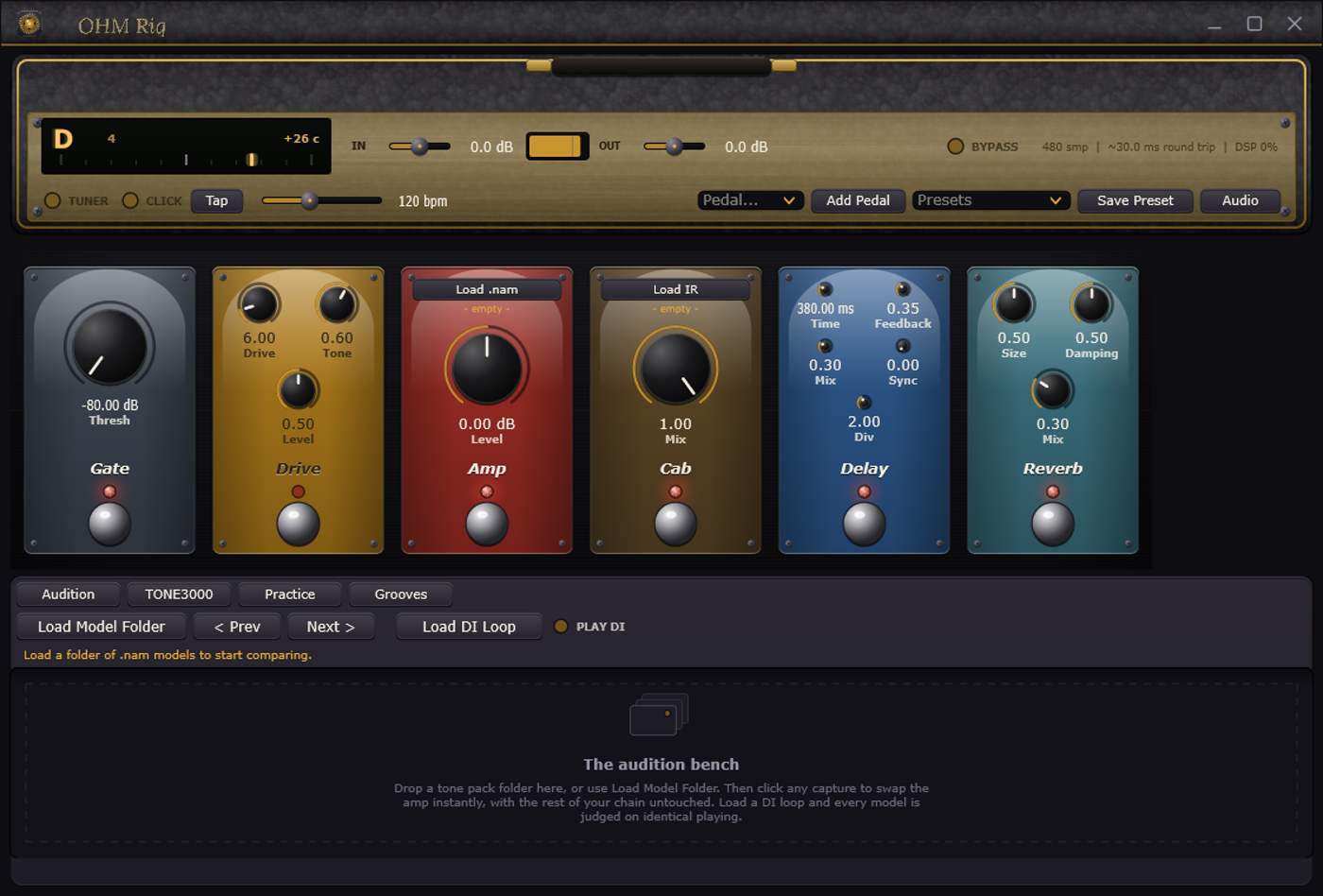
A tone pack is thirty files of the same amp at different settings. Finding the one you want by opening them one by one is miserable, which is why guides exist just to tell you which file to pick.
Open the Captures tab and point it at the folder. Click any capture and the amp swaps instantly, with your drive, cab, delay and reverb left exactly as they are. Load a DI loop and every capture is judged on identical playing.
Captures carry loudness data and the Amp normalises to it, so you are hearing tone, not whichever file happens to be louder.
Open a file. Listen. Open the next file. Forget what the last one sounded like.
05 / Practice
Something to play with
Records after the chain, the way a looper pedal at the end of a real board would. Change your amp capture afterwards and what you already laid down does not change.
Hosts your actual VST3 kit. Point it at MT Power Drum Kit or Steven Slate or whatever you own, and OHM Rig drives it over the General MIDI map while its own editor stays available for picking kits.
Ten drum arrangements that are songs, not loops. Intro, verse, pre-chorus, chorus, bridge, outro, with fills closing every section and a crash on the downbeat after.
Change the tempo and the whole arrangement re-times with the metronome and the tempo synced delay. And there is a recorder, for when something worth keeping happens.
06 / Try it
Go on then
Press and hold
Engaged.
That is the whole interaction model. No mouse required once you are playing.
07 / The numbers
What it actually costs you
- Latency
- WASAPI Exclusive on Windows. 64 to 128 samples at 48 kHz.
- Readout
- Real round trip and DSP load, live in the top bar while you play.
- Input target
- Peaks around -12 dBFS. Captures are level calibrated, so how hard you feed them changes how hard the amp sounds.
- Platforms
- Windows, 64-bit. macOS and Linux builds are not released yet.
- Price
- Free.
08 / Questions
The things people ask
Is this a plugin? Do I need a DAW?
No. It is a standalone application. You open it and play. There is no project, no session and nothing to save before you start.
What about latency?
On Windows it uses WASAPI Exclusive, which gets you low latency with no extra drivers to install. Set 64 to 128 samples at 48 kHz in the Audio dialog and the top bar shows your real round trip figure while you play, so you are not guessing.
Do I have to buy captures?
No. TONE3000 hosts thousands for free and you can search and download them without leaving the app. Any .nam file works, wherever you got it.
Windows warned me when I ran the installer. Should I be worried?
That warning is SmartScreen, and it appears because the installer is not code signed yet. A signing certificate costs real money every year and this is a free project. Click More info, then Run anyway. The download comes straight from GitHub Releases, so before you run anything you can see the exact file, its size, when it was published and how many people have already installed it. The warning fades as those numbers grow.
Will it work with my interface?
Any interface your operating system can see. If you are on a POD Go, run it in USB audio mode with its own amp and cab blocks bypassed, so you are not stacking two amp sims.
Can I use my own drum sounds?
Yes, three ways. Load your own WAV one-shots, host a VST3 drum instrument, or use the built-in synth kit. In that order of preference.
Is it really free?
Yes.

09 / Download
Plug in and play
OHM Rig 1.0. Windows, 64-bit. Free.
Per-user install, so there is no admin prompt. Your captures, impulses and presets live in Documents and an uninstall leaves them alone.